

Property links take you from a property in Stash to the same property on the major property portals, so you can check its listings and history there without searching for it again.
Find the links on a property
- Open the property. Search for the address, click it on the map, or open it from your pipeline.
- Look at the Price Estimate card. At the bottom, under Research Price Estimates, Stash searches each portal for the property. While it works you’ll see “Searching … sources”.
- Click a logo. When the search finishes, it shows how many sources it found the property on. Click a logo to open that portal’s page for the property in a new tab.
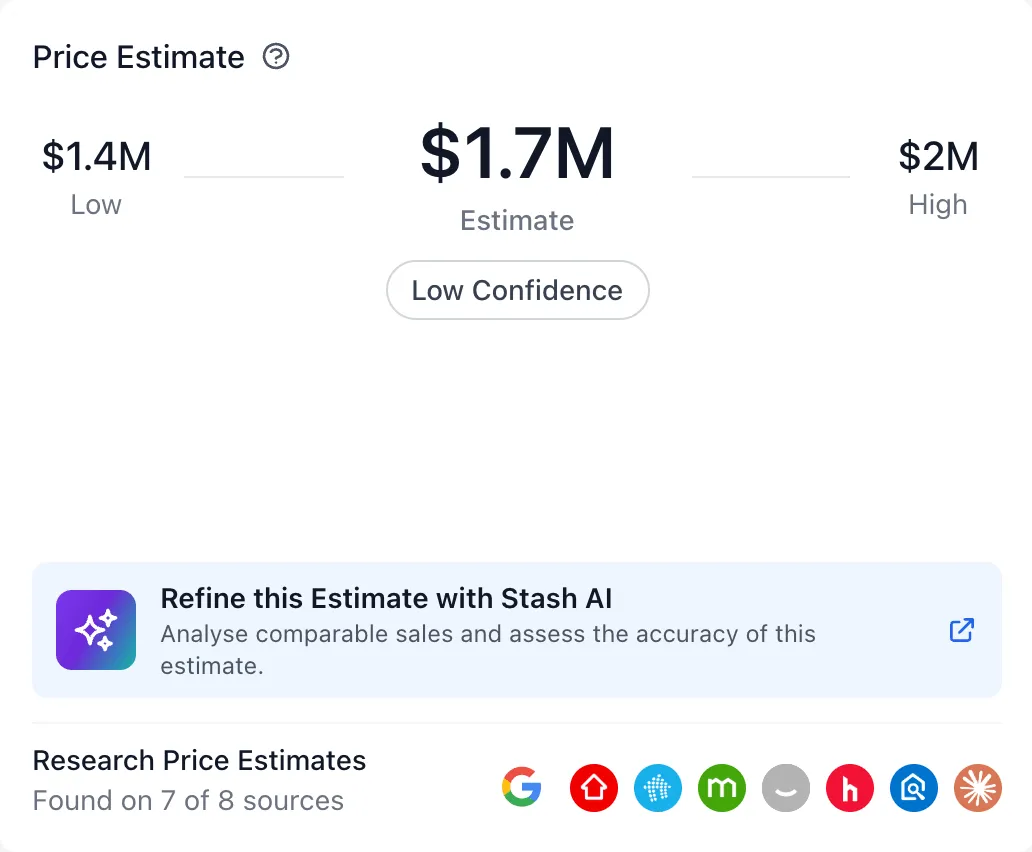
Which portals are included
- realestate.com.au
- domain.com.au
- onthehouse.com.au
- homely.com.au
- allhomes.com.au
- view.com.au
There are also two quick searches:
- google.com runs a Google search for the address.
- claude.com opens a new chat in Claude that asks it to create a CMA for the address. For Claude to use live Stash data, see Connect Stash to Claude.
A greyed-out logo means the property wasn’t found on that portal. Hover over a logo to see its status.
Not affiliated with Stash
These sites aren’t affiliated with Stash. What they show, and whether a property appears on them, is up to each portal.
Links in other places
- Suburb profiles: Find this suburb on portals links to the suburb’s page on each portal.
- Buyer Pipeline: properties shortlisted for a client show the same portal logos.
Common questions
A portal logo is greyed out
Stash couldn’t find a page for this property on that portal. Try the google.com search instead.