

Files you upload in Stash, such as photos, walkthrough videos, reports and certificates, are attached to a property. If you can’t find a file, it’s usually on a different property or account from the one you’re looking at.
Find your files
- Check you’re logged in to the right account. If you have more than one Stash login, such as a personal and a team account, files uploaded in one won’t show in the other.
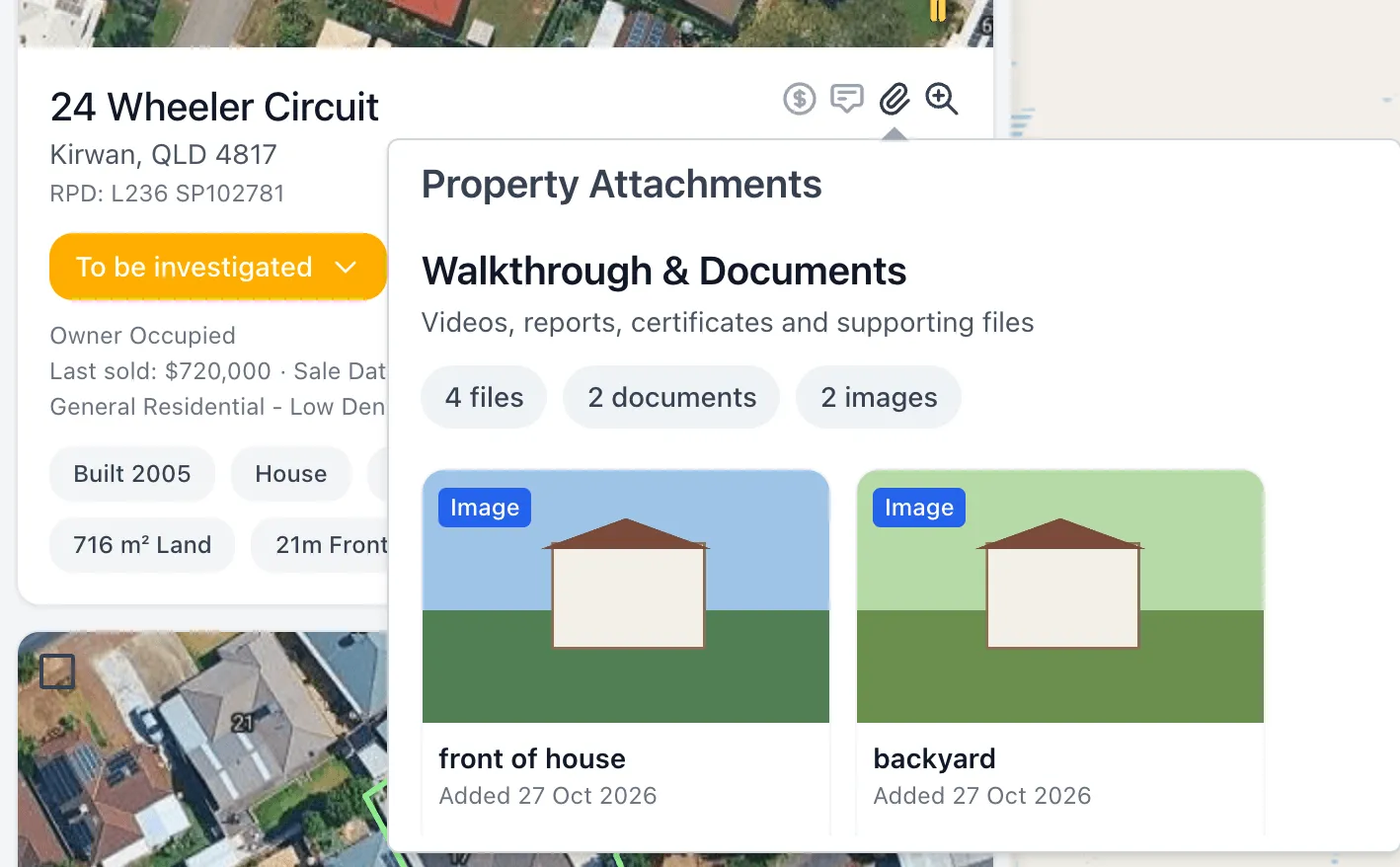
- Open Property Pipeline. Properties with attachments show a coloured paperclip icon. Hover over it to preview the Property Attachments.
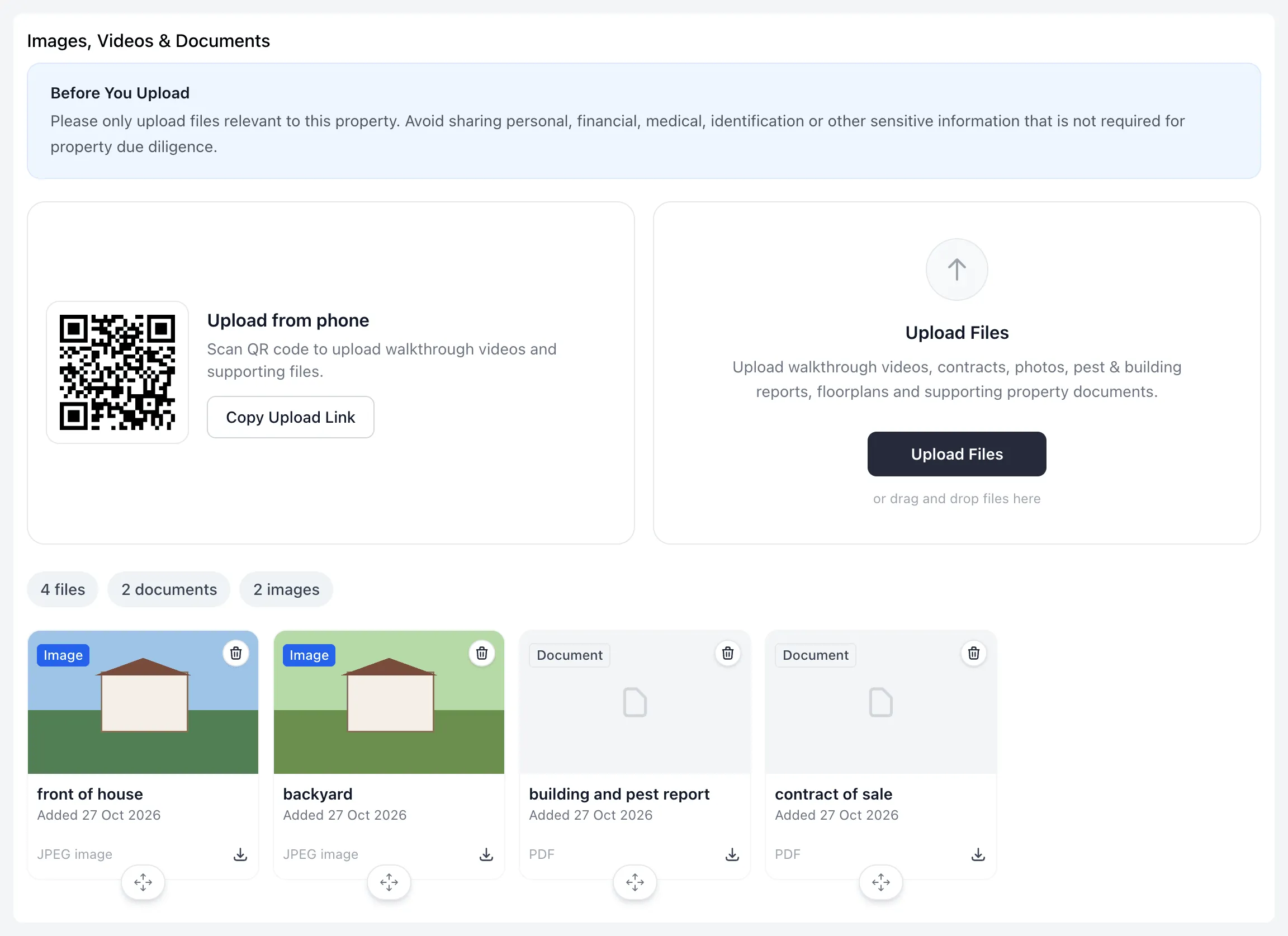
- Open the property. On the property page, scroll to Images, Videos & Documents. You’ll see every file attached to that property, with a count of files, videos, documents and images.
- Check nearby addresses. If you uploaded a file while viewing a different unit or lot at the same address, it will be attached to that property instead.
Deleting a file can't be undone
When you delete a file, Stash asks you to confirm with Delete File and warns that “This action cannot be undone”. The file is removed from that property and no longer appears in the attachments list.
Still can’t find it?
Contact our support team as soon as possible at support@stashproperty.com.au or on 07 4243 4600. Tell us:
- the email address you log in with
- the property address the file was attached to
- the file name, if you know it
- roughly when you last saw the file.
We’ll check your account and do our best to restore it.