

Stash asks for your email address and mobile number when you sign up. Here’s what each one is used for.
Your email address
- Logging in. Your email address is your Stash username.
- Verifying your account. When you sign up, we send a link to your email so you can verify it’s yours and set up your login.
- Resetting your password. If you forget your password, we send the reset link to this address. See Reset your password.
- Linking payments. When you subscribe, your payment is linked to the account with this email.
Your mobile number
- Verifying a free trial. When you start a free trial, we send a 6-digit code to your Australian mobile number by SMS. This confirms you’re a real person and helps us keep free trials fair. See Start a free trial.
- Getting in touch. We may contact you by phone or email about your account, or to ask for feedback on Stash. Your feedback shapes what we build next.
Keep your details up to date
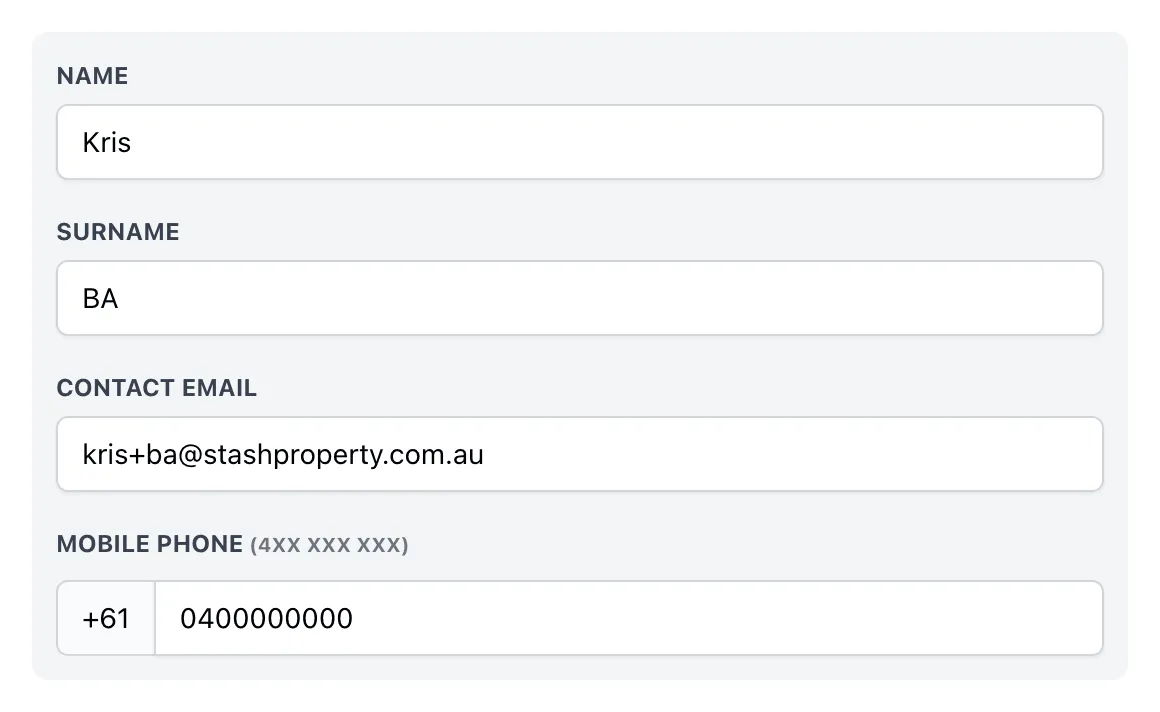
Your Contact Email and Mobile Phone are on your profile. To change them, go to My Profile from the menu under your name. See Change your account details.
Your login email
Changing Contact Email on your profile doesn’t change the email you log in with. To change your login email, contact our support team at support@stashproperty.com.au.
Common questions
Can I use a landline or overseas number for a trial?
The trial verification code is sent by SMS, so you’ll need an Australian mobile number (starting with 04).
I didn’t get the verification code
Check the number you entered, then choose Resend code. Codes expire after 5 minutes.