

Search all properties finds properties across a suburb, postcode or council whether they’re on the market or not. Use it to build a shortlist of off-market opportunities or development sites, then save them to your pipeline.
Most accounts see this as Search all properties in the side menu. Real estate and property services accounts see it as Find Prospects. It works the same way.
Search a suburb
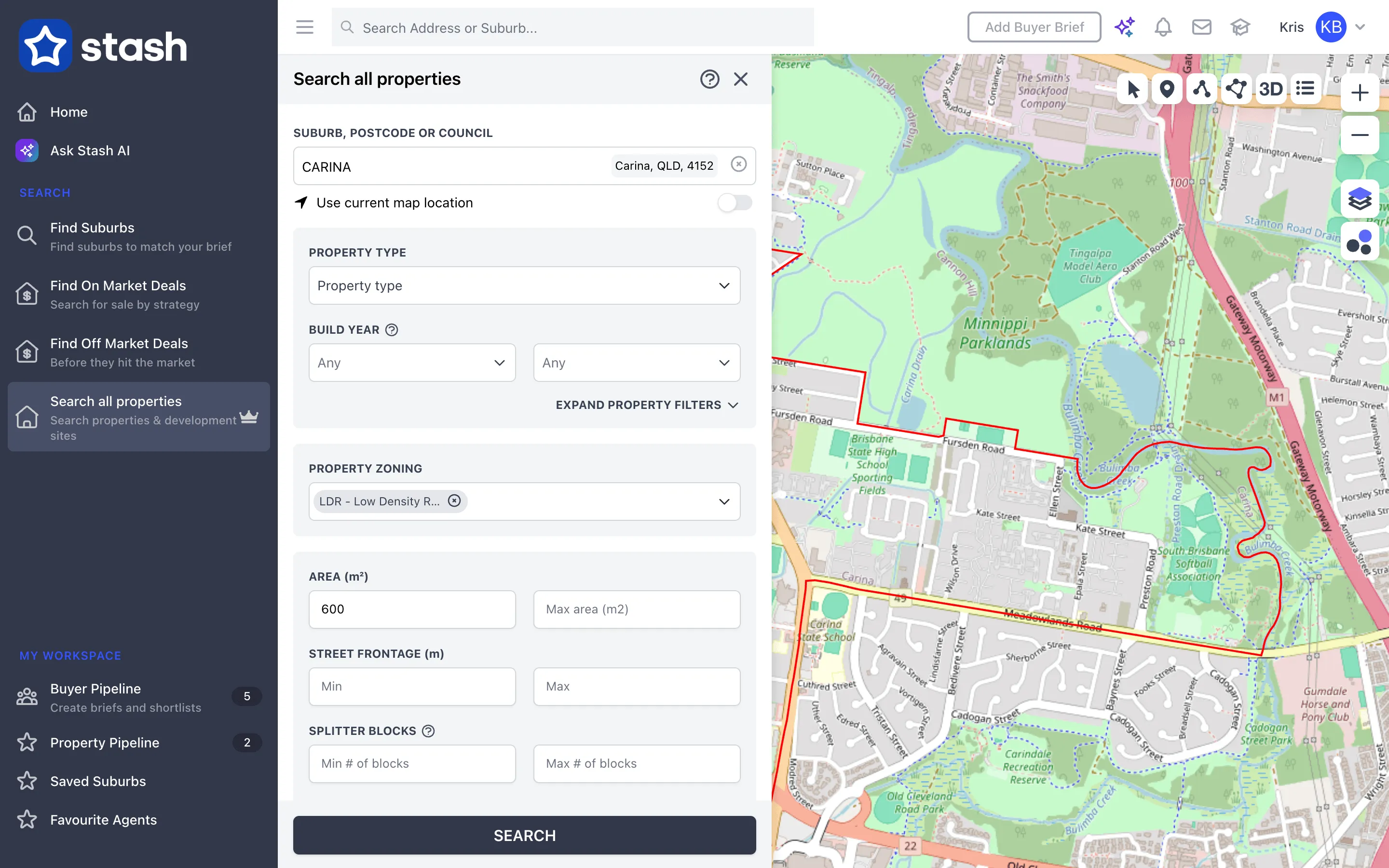
- Open the search. In the side menu, choose Search all properties.
- Choose where to search. In Suburb, Postcode or Council, start typing and pick an area. To search the area on screen instead, turn on Use current map location.
- Choose property types. Pick one or more under Property Type. Click EXPAND PROPERTY FILTERS for Build Year, Bedrooms, Bathrooms and Car spaces.
- Pick zones. Under Property Zoning, tick as many zones as you need.
- Set land filters. Enter a minimum and maximum Area and Street Frontage (m). Click EXPAND LAND FILTERS to search by Splitter Blocks (min and max number of blocks) and Corner Blocks & Dual Access.
- Narrow by owner (optional). Use Length of ownership (10+, 20+ or 30+ years) and Occupancy Type (Tenant Occupied or Owner Occupied).
- Look for nearby activity (optional). Under Nearby Sales Activity, tick Include properties where neighbours are on market only.
- Search. Click SEARCH.
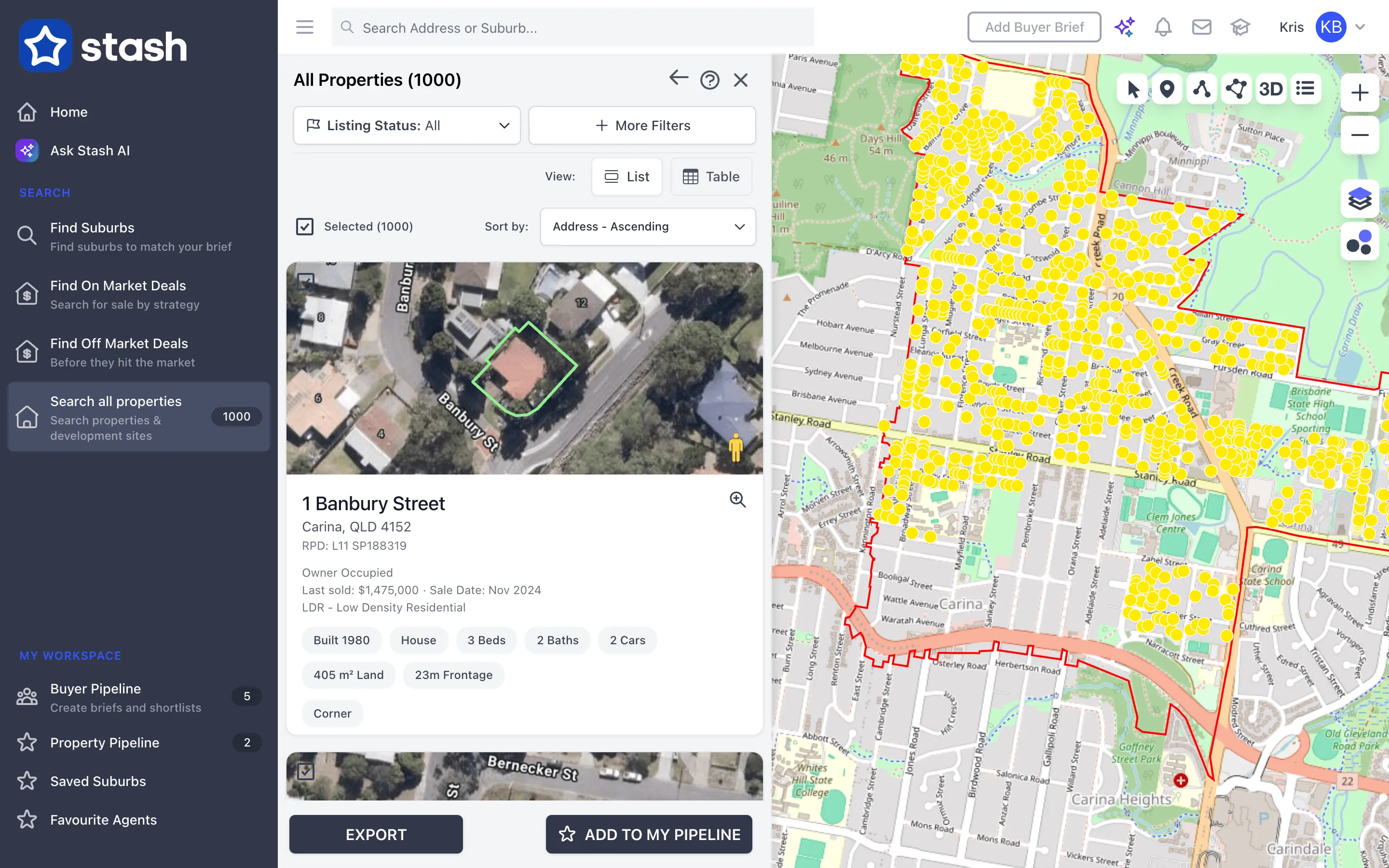
Results appear in the panel and on the map as yellow markers. Click a marker or a result to open the property.
Splitter blocks are properties that sit on more than one lot. Splitter block searching isn’t available yet in the ACT, NT and Tasmania.
Work with the results
- Switch between List and Table view. In table view you can filter results further with More Filters. See Search filters and table view.
- Click the export button to download the results.
- Click ADD TO MY PIPELINE to save the results to your Property Pipeline, with a status and tags. See Stash and save properties.
Look up a single address
If you already know the address, type it into the Search Address or Suburb… bar at the top of the page and pick it from the list. The property opens on the map with its details.
Common questions
I got a message about the property search limit
Your search returned too many properties. Add a zone, area or property type filter, or search a smaller area.
Can I search properties that are for sale?
Yes, use Find On Market Deals. See Find on-market deals.