

You can change the card you pay for Stash with at any time. Card details are managed securely by our payment provider, Stripe.
Change your card
- Open the Billing Centre. Click your name at the top right of Stash, then choose Billing Centre.
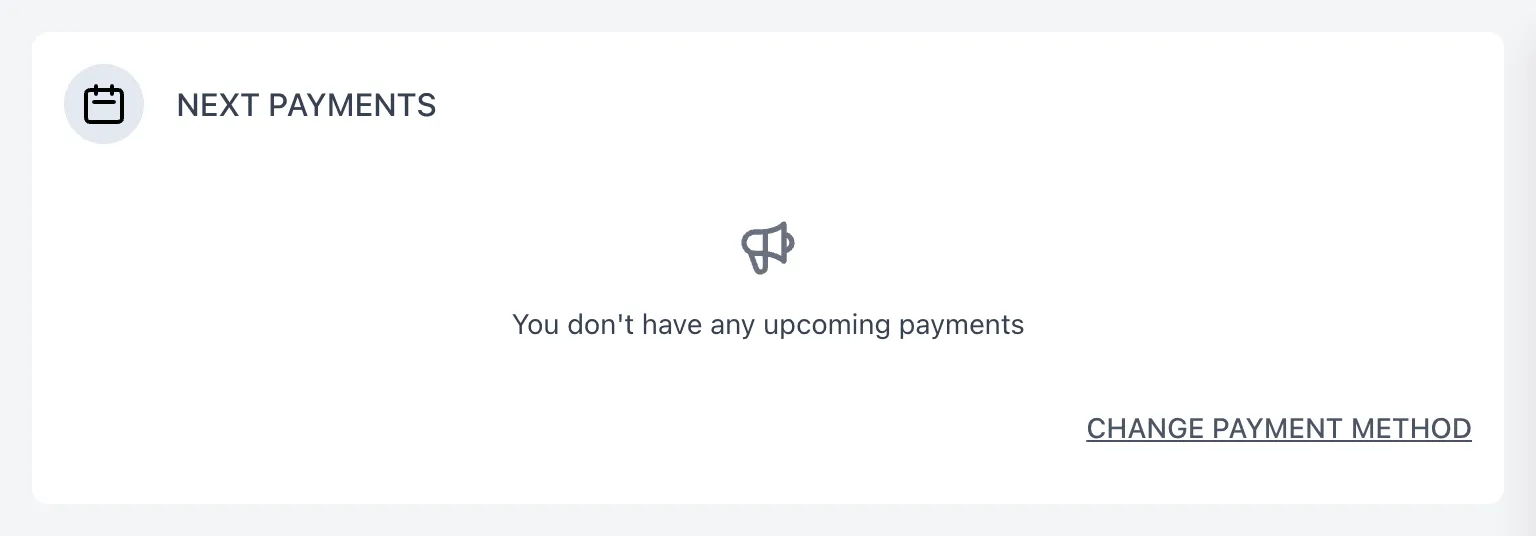
- Click CHANGE PAYMENT METHOD. It’s under Next payments. You’ll be taken to a secure Stripe page for your account.
- Add your new card. In the payment method section, choose to add a payment method and enter your new card details.
- Make it your default. Use the menu next to the new card to make it your default payment method. You can also remove a card you no longer use from the same menu.
- Return to Stash. Use the link on the Stripe page to go back to Stash.
Team members
If your subscription is paid by your team owner, they’ll need to update the card from their account.
Troubleshooting
I see “Cannot open payment provider portal”
Reload the page and try again. If it keeps happening, contact us.
My payment is past due
If a payment fails, Stash shows a message asking you to make a payment, with a link to the Billing Centre. Update your card using the steps above.
I can’t see Billing Centre
The Billing Centre isn’t in the Stash mobile app. Log in on a computer or in your web browser.
Contact us
- Chat: click Chat with us in the Enquiries card in the Billing Centre
- Email: support@stashproperty.com.au
- Phone: 07 4243 4600